Best Free Encryption Software for Files and Folders in 2025
Securing your sensitive data doesn't have to break the bank. We evaluate the most reliable free file encryption tools, built-in operating system features, and open-source standards to help you choose the right zero-cost security layer.
The best free encryption software depends entirely on your technical comfort. For open-source purists, VeraCrypt offers unmatched, free AES-256 disk encryption. Windows users can rely on built-in BitLocker. However, if you need simple, drag-and-drop file locking without complex volume creation, the free trial of Folder Lock is our recommended starting point.
In This Guide
- What people search for: USBs, Windows 10, and more
- Best Free Encryption Software 2025 — Tested and Ranked
- How Modern Encryption Algorithms Work
- Methods Comparison Table
- The Tool We Recommend for Most Users
- Free vs Paid Encryption Software: What You're Missing
- Troubleshooting and Recovery
- Frequently Asked Questions
Direct Answers for Common Scenarios
We receive hundreds of questions about securing specific devices and systems. Choose your specific need below to see the best free approach.
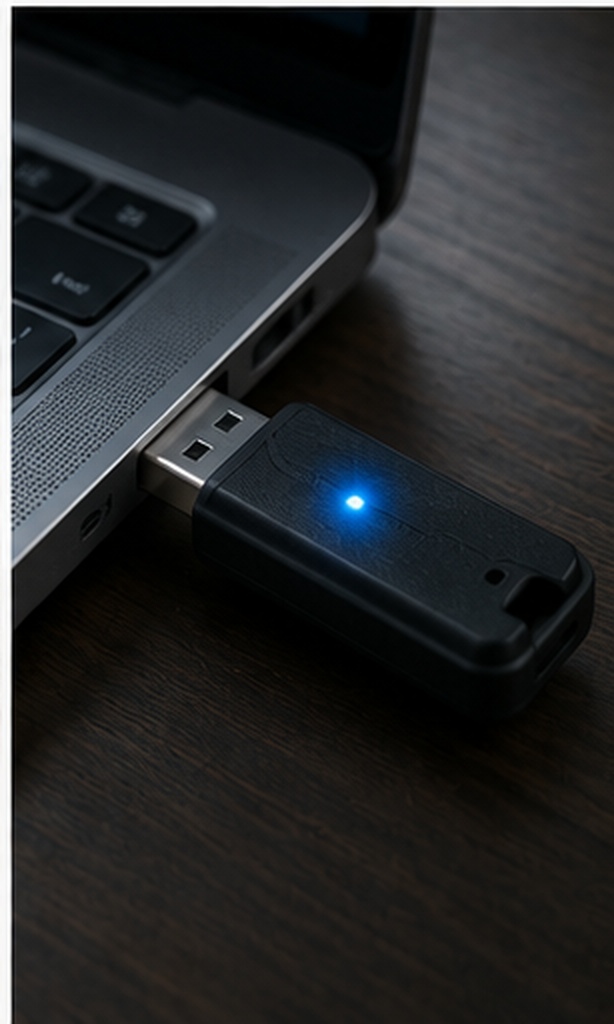
Best Free Encryption Software for USB Drives
Securing a portable drive requires software that can run without administrative installation on the host PC. VeraCrypt portable mode is the strongest free option, though it requires admin rights to mount on the guest PC. Alternatively, BitLocker To Go (if you have Windows Pro) is completely free and native.
Best Free Encryption Software for Windows 10 & 11
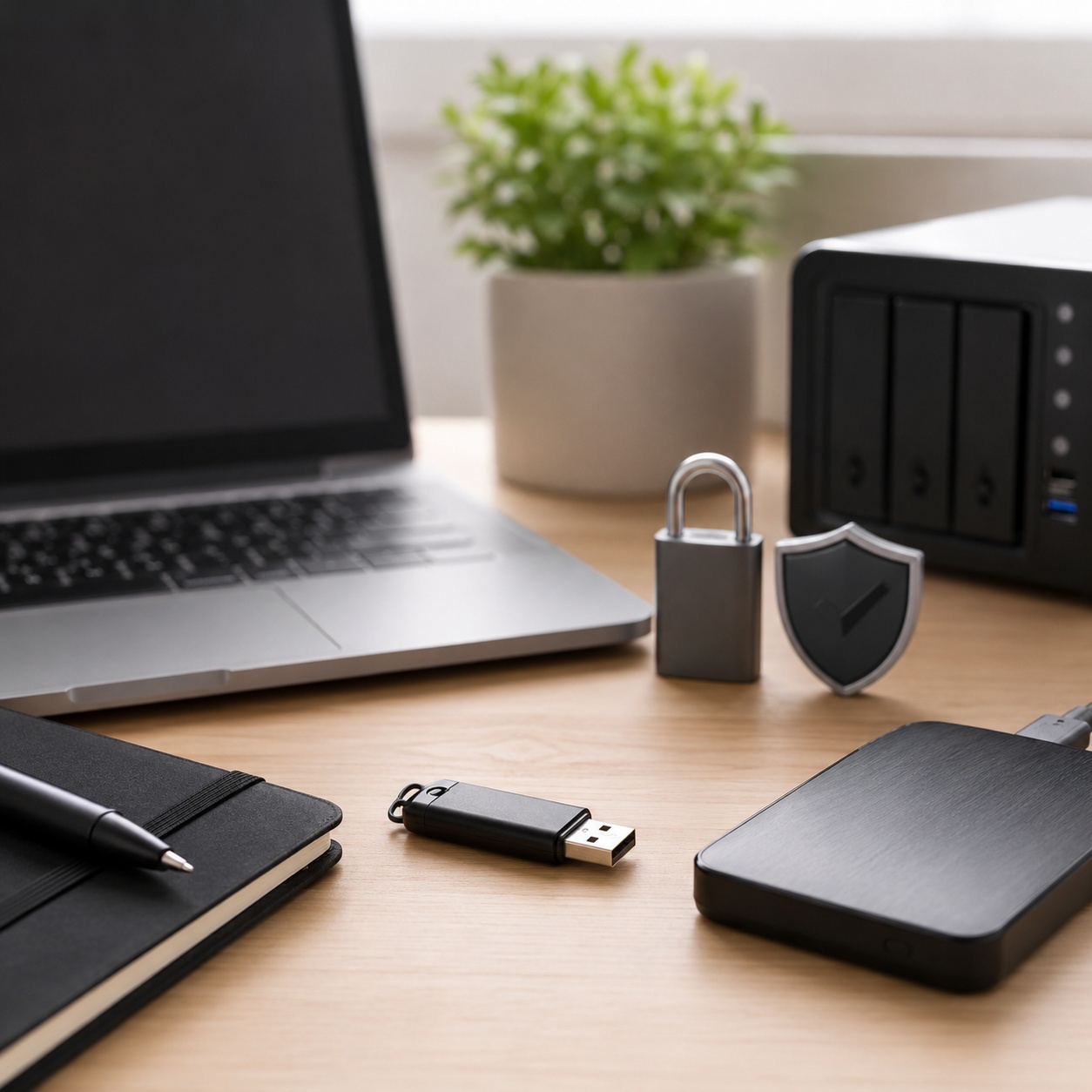
If you are on Windows 10 or 11 Pro, Enterprise, or Education, you already have the best free full-disk encryption tool: BitLocker. For file-level encryption on Windows Home editions, free open-source tools like AES Crypt integrate directly into the Windows right-click context menu.
Free encryption software for Mac
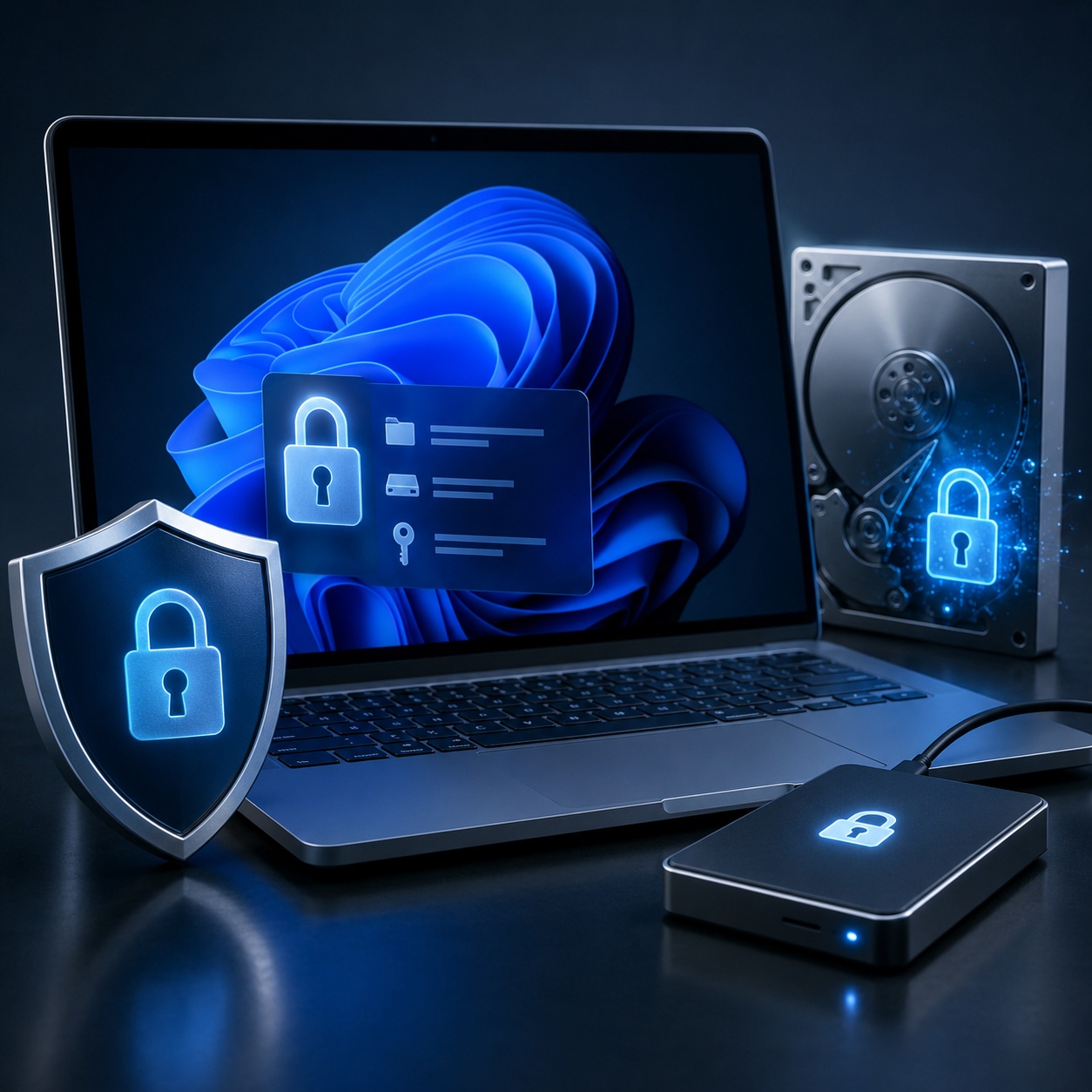
Mac users should default to FileVault 2, which is built into macOS and provides free, seamless AES XTS full-disk encryption. For encrypting individual files before uploading them to cloud storage, Cryptomator is a free open-source option that handles cloud synchronization securely.
Best Free Encryption Software 2025 — Tested and Ranked
Not all "free" software is created equal. Open-source tools offer transparency, while built-in OS tools offer convenience. Here is our breakdown of the top legitimate free options.
1. VeraCrypt (Top Free Open Source Encryption Software)
Born from the ashes of TrueCrypt, VeraCrypt is the gold standard for free, open-source encryption. It allows you to create hidden, encrypted volumes (containers) that act like virtual disks. It supports AES-256, Serpent, and Twofish algorithms.
VeraCrypt is incredibly secure, but it is not user-friendly. Forgetting to dismount a volume before shutting down, or losing the header file, can result in total data loss.
Best for: Advanced users, plausible deniability needs, and full disk encryption.
2. Built-in OS Encryption (BitLocker & FileVault)
If you need full disk encryption, the best free option is likely already on your computer. Microsoft's BitLocker and Apple's FileVault encrypt your entire drive transparently in the background.
- Zero cost (included with OS)
- No third-party software to update
- Keys can be backed up to Microsoft/Apple accounts
Limitations: BitLocker is not available on Windows Home editions. They protect data at rest, but once logged in, your files are decrypted and accessible to any malware or user on your profile.
3. AES Crypt (Best Free File Encryption Software Download)
If you just want to right-click a file and encrypt it, AES Crypt is a lightweight, open-source tool. It uses standard AES-256 encryption. When you right-click a file and select AES Crypt, it prompts for a password and creates a new encrypted `.aes` file.
Best for: Sending single encrypted files via email or storing isolated files.
Limitations: It does not encrypt folders (you must zip them first), and it does not hide the file names.
How Modern Encryption Algorithms Work
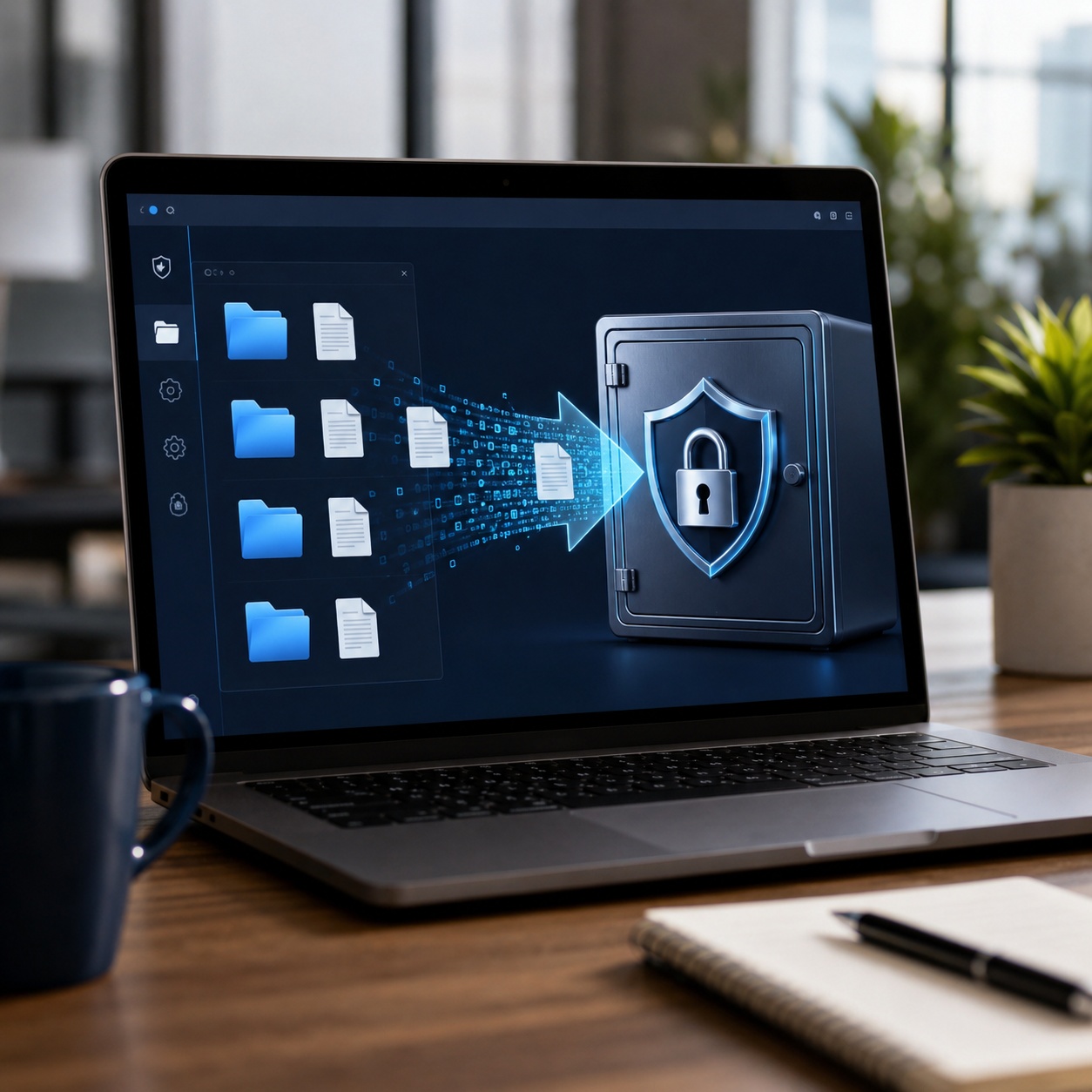
When evaluating data encryption software, you will frequently see the term AES-256. But what does encryption software actually do?
Head-to-Head Comparison Table
Comparing native OS tools, free open-source software, and commercial solutions.
| Tool / Method | Type | Ease of Use | Best Use Case | Primary Limitation |
|---|---|---|---|---|
| Free & Open Source Tools | ||||
| VeraCrypt | Volume/Disk | Steep Learning Curve | Hidden volumes, high security | Complex setup, UI is outdated |
| AES Crypt | File-level | Very Easy | Single file email attachments | No native folder encryption |
| Native OS Tools (Free) | ||||
| Windows BitLocker | Full Disk | Easy (Set and Forget) | Laptop theft protection | Requires Windows Pro/Enterprise |
| Premium Software Options | ||||
| Folder Lock | Hybrid (File & Locker) | Extremely Easy | On-the-fly folder locking | Advanced features require paid license |
The Tool We Recommend for Most Users
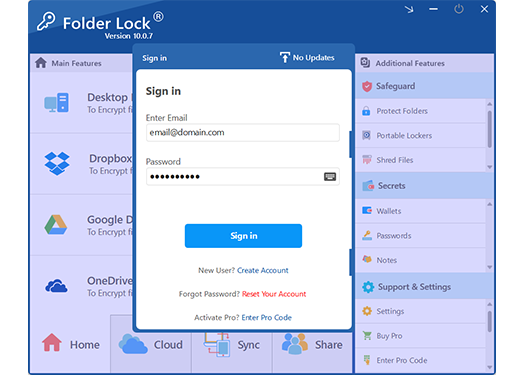
While open-source tools like VeraCrypt offer incredible security, they are notoriously unforgiving and lack modern convenience. If you want military-grade AES 256-bit on-the-fly encryption without managing container sizes, formatting partitions, or risking data corruption, we recommend Folder Lock.
- ✓ Seamless Cloud Synchronization: Natively encrypts and backs up files across Dropbox, Google Drive, and OneDrive.
- ✓ Cross-Platform Access: Securely decrypt your data across Windows, macOS, iOS, and Android devices.
- ✓ Secure File Sharing: Collaborate and share encrypted files with others using asymmetric cryptography, meaning you never have to hand over your master password.
- ✓ Portable Security: Create self-contained, password-protected USB lockers that don't require software installation on the guest computer.
Free vs Paid Encryption Software: What You're Missing
Is free encryption software as secure as paid? Cryptographically, yes. Open-source AES-256 is exactly as strong as commercial AES-256. The difference lies entirely in usability, recovery options, and support.
What you get with Free tools:
- Standard AES-256 cryptographic security
- Open-source code verifiability (no backdoors)
- Unlimited usage with no license fees
The catch: No customer support if things go wrong. If you lose your password or corrupt the container header, your data is permanently gone. No password recovery mechanisms exist by design.
What you gain by paying:
- Multi-Device Syncing: Keep your encrypted vaults synchronized across desktop and mobile platforms.
- Hack Attempt Monitoring: Logs incorrect password attempts and can automatically log off or shut down the system upon a potential breach.
- Digital Wallets & Secure Notes: Dedicated, encrypted spaces for credit cards, banking details, and private thoughts.
- File Shredding & History Cleaning: Permanently wipe deleted files beyond recovery and automatically clear your Windows usage tracks upon exit.
- Customer Support: Troubleshooting assistance and legitimate, owner-safe recovery paths for lost registration keys.
How to Encrypt Files Without Slowing Down Your Computer
If you choose to use the free trial of our recommended commercial tool, here is how simple the process is compared to command-line alternatives.
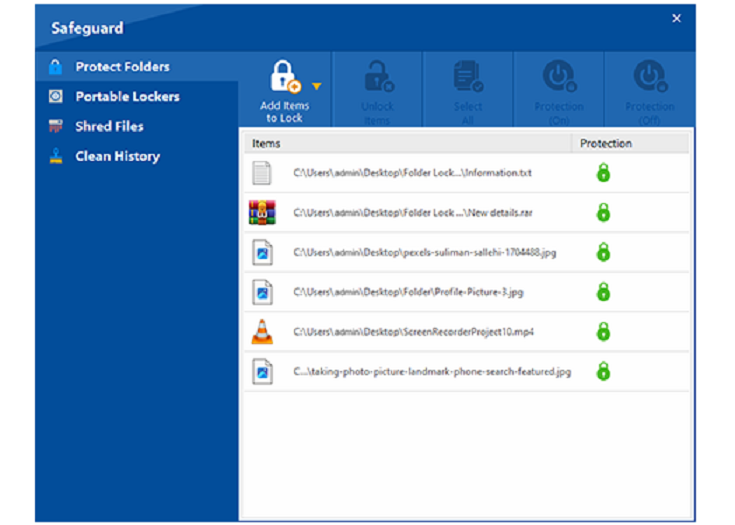
- Download and Install: Get the free trial of Folder Lock from the official site.
- Set a Master Password: Choose a strong, memorable password. This is the only key to your data.
- Create a Locker: Navigate to 'Encrypt Files' and create a new locker. Allocate dynamic space so it only takes up as much room as the files inside it.
- Drag and Drop: Move your sensitive files into the locker interface. The software uses AES-256 to encrypt them instantly.
- Close to Lock: Simply closing the locker securely unmounts the drive and protects your files.
Troubleshooting and Password Recovery
A common search query is "how to bypass encryption software." It is crucial to understand that genuine AES-256 encryption cannot be bypassed. If a tool allows a simple bypass, it was only hiding the data, not encrypting it.
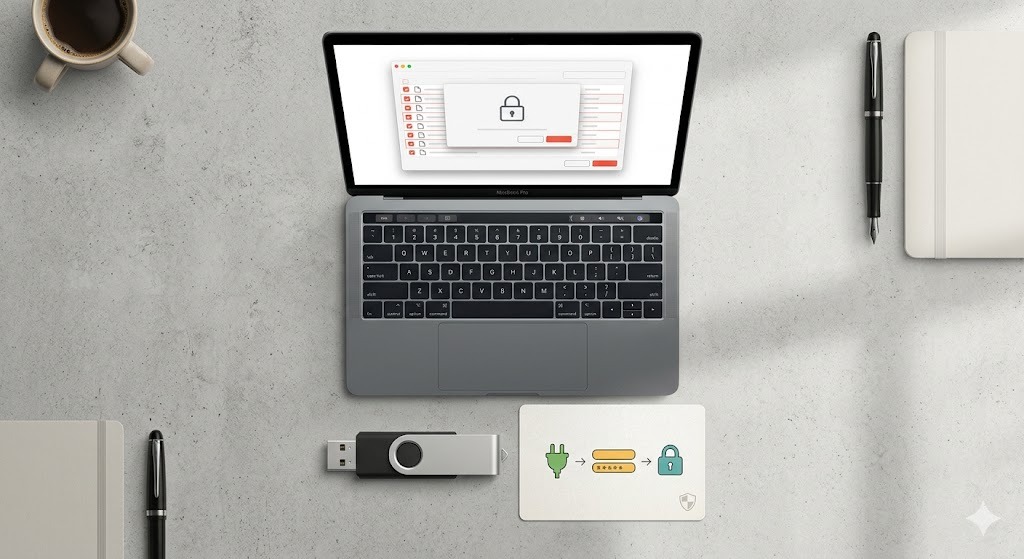
Forgot your Folder Lock password? Here is how to recover access:
If you are using commercial software like Folder Lock and lose your password, there are legitimate, owner-safe recovery paths provided you registered the software. You can use the master key associated with your serial number to reset the password.
However, if you are using free open-source tools like VeraCrypt and lose your password, data recovery is cryptographically impossible. There is no backdoor. Always maintain secure, offline backups of your master passwords.
Can law enforcement decrypt AES-256 encrypted data?
Without the key, no. AES-256 is the standard used by the NSA for top-secret information. Provided your password is strong enough to resist dictionary attacks, the math behind the encryption remains unbroken.
Why Users Switch from Free to Paid

"I used free open-source encryption for years, but one corrupted header file wiped out my entire tax archive. I switched to Folder Lock because I needed reliability and an interface that didn't feel like a 1990s Linux terminal. The peace of mind is worth the license fee."
"BitLocker is great for my whole drive, but sharing encrypted files with clients on Mac was impossible. Using a dedicated file encryption tool allowed me to create portable, secure USBs that just work."
Frequently Asked Questions
What is the best free encryption software in 2025?
VeraCrypt remains the top choice for highly technical users needing free, robust full-disk or container encryption. For average users, built-in BitLocker or the AES Crypt file tool are safer free choices.
Is VeraCrypt really free?
Yes, VeraCrypt is entirely free and open-source software (FOSS). Its code is publicly auditable, which contributes to its high trust rating among security professionals.
Can I encrypt USB drives with free software?
Yes. You can use VeraCrypt Portable or BitLocker To Go. However, the host computer you plug the USB into will need administrative privileges (for VeraCrypt) or a compatible Windows OS (for BitLocker) to read the data.
Does encryption slow down my PC significantly?
Modern CPUs have dedicated hardware instructions (AES-NI) for encryption. For daily tasks, the performance impact of software encryption is negligible (usually under a 3% dip in read/write speeds).
What happens to encrypted files if I forget the password?
With genuine free encryption software, the files remain permanently locked. There is no password reset email. This is why many users opt for commercial enterprise encryption software that features administrative key escrow.
What is the difference between AES-128 and AES-256?
AES-256 uses a longer key (256 bits vs 128 bits), making it exponentially harder to crack via brute force. While AES-128 is still considered secure for general use, AES-256 is the standard for highly sensitive and regulatory compliance data.
Other Security Tools from the Same Developer
If you choose to move beyond free tools, the team at NewSoftwares.net offers specialized solutions for different security needs: